Unlock Singapore Airlines onboard complimentary Wi-Fi
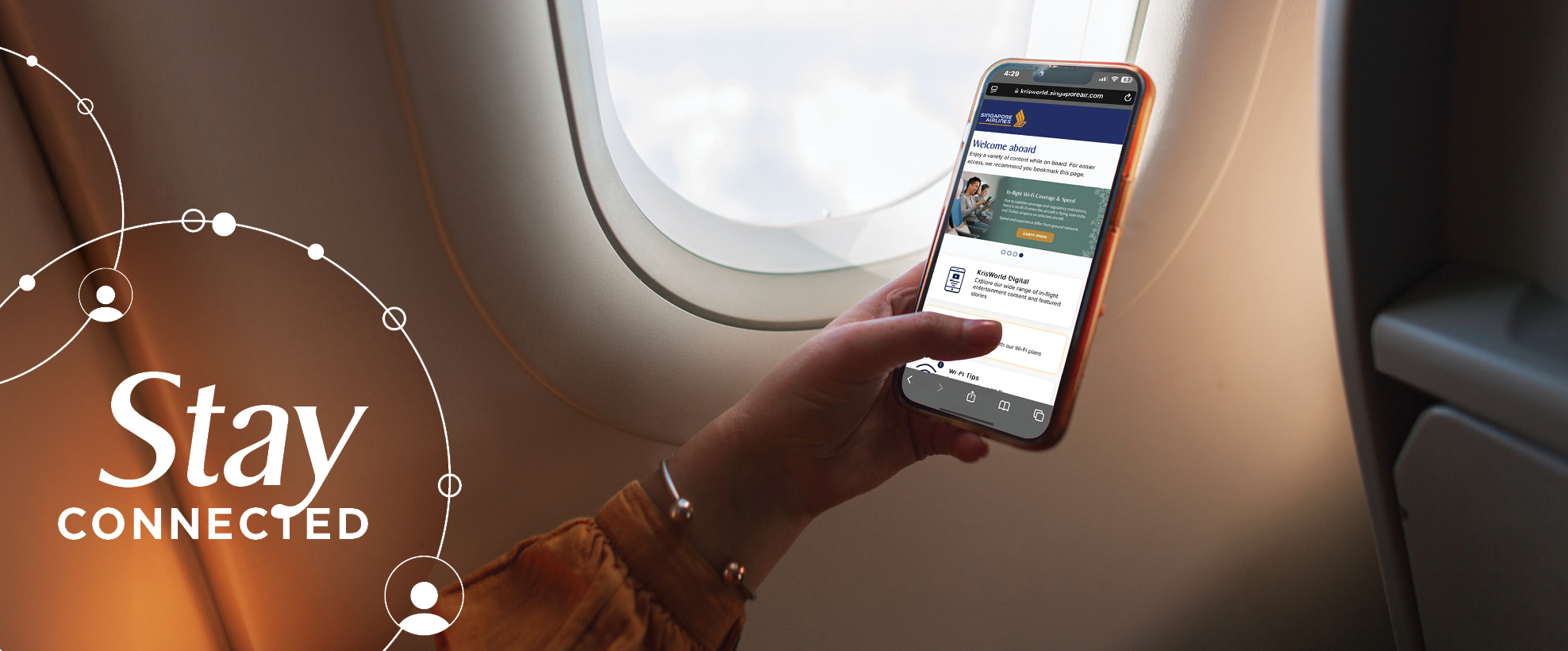
Keep in touch with family and friends with unlimited complimentary Wi-Fi, when you travel on most Singapore Airlines flights*. Whether you're travelling in Economy Class through to Suites, staying connected has never been easier!
* Excluding Boeing 737-800 NG operated flights.
Eligibility for complimentary Wi-Fi
Business Class and Suites/First Class: Unlimited Wi-Fi
Premium Economy Class and Economy Class: Unlimited Wi-Fi for PPS Club members and supplementary cardholders, and KrisFlyer members
How to add two frequent flyer programmes to your booking
We understand that at times, our customers may wish to accrue points with another Star Alliance partner programme, and also enjoy Singapore Airlines' KrisFlyer member benefits. You will be pleased to know you can do both!
Although you can only accrue points on one loyalty programme, KrisFlyer members have the option to add two frequent flyer programmes into your booking, one for miles accrual and the other for servicing and travel benefits. Access the best of both worlds; sign up here to become a KrisFlyer member today.
Method 1: Contact Singapore Airlines° before the flight
1. Speak to an agent at our contact centre via the Singapore Airlines website here or on the SingaporeAir mobile app.
2. Request to add your preferred frequent flyer programme (e.g, Air New Zealand Airpoints) in the FQTV* field.
3. Add your KrisFlyer number in the FQTS^ field.
4. Confirm your boarding pass displays both programmes.~
°If you've booked through a travel agent, do request for their assistance.
*FQTV - Frequent flyer number for mileage accrual
^FQTS - Frequent flyer number for status benefits
Method 2: Online Check-In (Only available when checking in).
1. Start the online check-in process on the Singapore Airlines website or SingaporeAir mobile app.
2. Add your KrisFlyer number first.
3. Tick the box to earn miles on another program and enter the details.
4. Your boarding pass should now reflect both programs.~
~You can also add the flight to "My Trips" without logging in and then view the boarding pass, with all your details.
Method 3: Airport Counter Check-In
1. Request to add your preferred frequent flyer programme at the airport counter check-in and our friendly counter staff will confirm with you once completed.

Tips for travelling this holiday season:
We know summer is going to be a busy time to travel, so we've got a few tips to keep your journey easy and efficient.
Check-In Online: Save time by checking in online via the Singapore Airlines website or mobile app.
Arrive Early: Get to the airport at least three hours before your flight.
Organise Documents: Keep your passport, visa (if required), and boarding pass handy, and pack essentials in your carry-on.
Follow these tips to ensure a smoother and more enjoyable travel experience during the holiday season. Safe travels!
More flights for kiwis this summer!
Singapore Airlines, in partnership with Air New Zealand, now have an additional daily flight from Auckland to Singapore to their summer flight schedule, bringing our total to four daily flights. We also have additional flights from the South Island, bringing us to 10 weekly services over summer. Your next holiday just got easier!
Download the SingaporeAir Mobile App
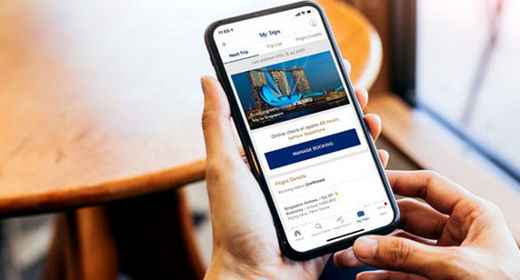
Book online from anywhere, at anytime with the SingaporeAir mobile app. From flight search to bookings, online check-in, preparing for upcoming trips and managing your KrisFlyer account. The SingaporeAir mobile app will enhance your journey, with seamless access on the go.

Discover travel activities with Pelago
Exclusive for Singapore Airlines customers. Use your flight booking reference number as a promo code on Pelago and enjoy 10% off* travel experiences. Available until 31 December 2024. *T&Cs apply.